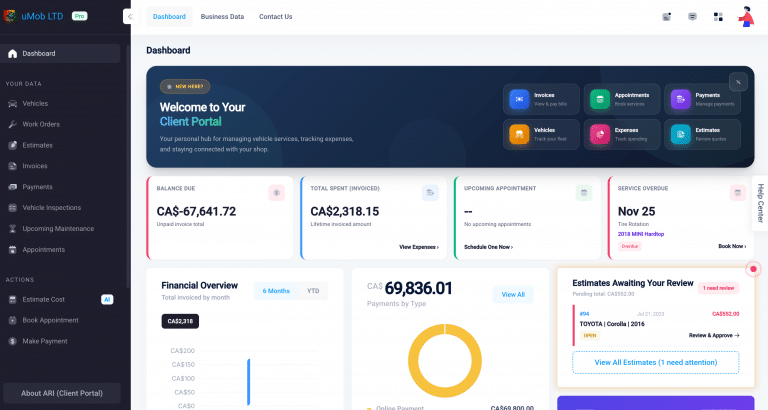
If you already use Square for online payments through ARI, you know the convenience of having invoices paid automatically. But what about the customer standing right in front of you? Previously, taking a card payment meant using a separate system and manually updating ARI later. That’s double the work and double the risk of errors.
Today, we are closing the loop. We’ve integrated two seamless ways to accept in-person card payments directly from ARI’s payment flow. Whether you have a front desk or work out of a van, everything stays connected to the same invoices and client records you already manage.
NOTE: These features are only available in the BETA versions of ARI, which you can access from the links below
– Web beta
– iOS beta
– Android beta
Option 1: The Countertop Pro (Square Terminal)
Best for: Physical shops with a front desk.
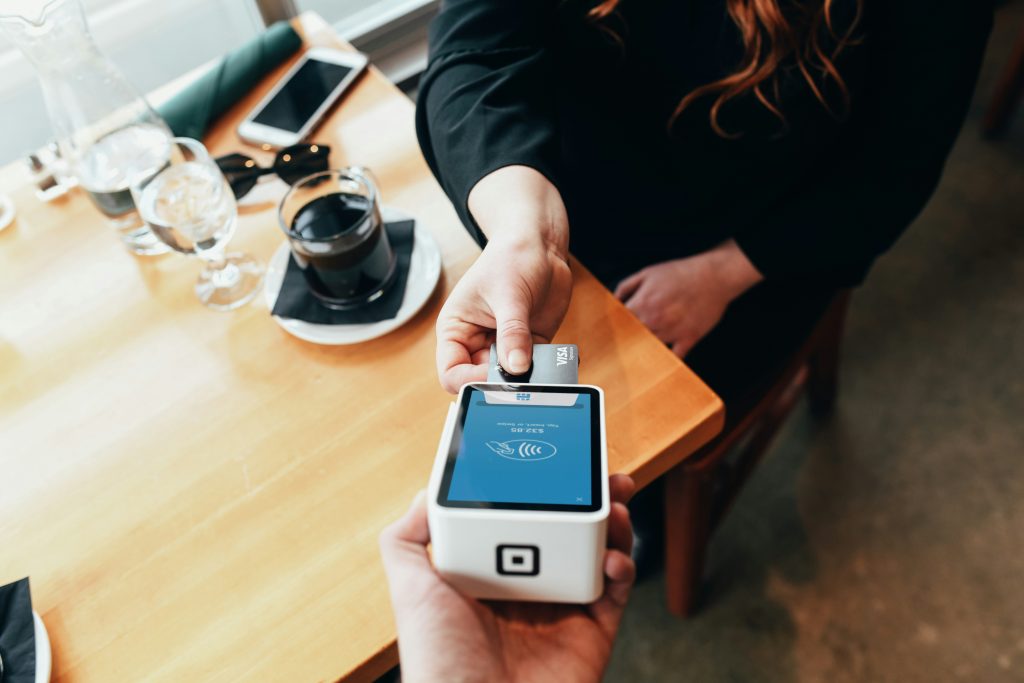
Square Terminal is a dedicated all-in-one device with a built-in card reader and receipt printer. It looks professional and keeps your front counter wire-free.
How it works:
- Open an invoice in ARI and click Payment.
- Select Card > Run on POS Terminal.
- Choose your paired terminal.
- The amount instantly pushes to the Square device. The customer taps, dips, or swipes.
- ARI automatically records the payment.
The Setup:
It takes about 2 minutes. Go to Settings > Online Payments > Square. Scroll to “Square Terminal,” click Add New, and follow the pairing instructions to link your device using a 6-digit code.
Refunds?
Easy. You can process refunds directly inside ARI. The system communicates with the terminal to reverse the charge and update your books instantly.
Option 2: The Mobile Solution (Square POS App)
Best for: Mobile mechanics and field techs.
Don’t want to buy extra hardware? No problem. The Square POS App integration lets you accept card payments using the phone or tablet you already have in your hand.
How it works:
- Ensure you have the Square Point of Sale app installed on your device.
- In the ARI Mobile App, open an invoice and tap Payment.
- Select Card > Run on POS Terminal > Square POS App.
- ARI automatically switches you to the Square app with the amount pre-loaded.
- Take the payment (using a card reader or Tap to Pay on iPhone/Android).
- You are automatically returned to ARI with the receipt saved.
The Setup:
Zero configuration required. As long as you have the Square app installed and signed into the same account as ARI, it just works.
> Note: This option is available exclusively on the ARI Mobile App (iOS and Android). It does not work on the web/desktop version.
Which Option is Right for You?
You don’t have to choose just one—many shops use both!
| Feature | Square Terminal | Square POS App |
| The Gear | Dedicated Device (~$299) | Your Phone + App (Free) |
| Best For | Fixed front counters & high volume | Mobile mechanics & budget-friendly setups |
| Setup | One-time pairing with code | No setup (just install the app) |
| Tap to Pay | Yes | Yes (via iPhone/Android NFC) |
| Refunds | Direct inside ARI | Via Square Dashboard |
| Platform | Web & Mobile | Mobile App Only |
Why This Matters for Your Shop
- One System for Everything
Online invoices, in-person card payments, and client records all live in ARI. No switching between apps or reconciling transactions at the end of the day.
- Zero Manual Entry
Because ARI pushes the exact invoice amount to Square, you never have to worry about “fat-finger” errors where a $500 repair is accidentally charged as $5.00.
- The “Zero-Hardware” Option
With Tap to Pay on the Square POS App, you can accept contactless cards and Apple Pay/Google Pay using just your phone. No card reader dongles to lose, no batteries to charge.
Ready to get started?
Head to Settings > Online Payments Setup in ARI today to connect your Square account and choose your preferred way to get paid.